DOOM’s 1995 fire: clever code, tiny budget
How a 1995 console game made fire with a tiny buffer, how reverse engineers recovered the trick, and why its simple math is still worth studying.
We already have beautiful modern graphics. So why spend time looking at fire from an old DOOM game?
For me, the interesting part is how they made it. This fire was running in PlayStation DOOM in 1995. A small grid of numbers, a few cheap operations, and somehow we see flames. There is no complicated model of burning fuel hiding underneath it.
I want to take that apart: how it worked, how people figured it out again, and why such simple math looks convincing. You can jump straight to the live fire, or follow the explanation first and then try breaking it. :D
A small trick on a small machine
Williams Entertainment’s PlayStation port arrived in 1995. The machine had a roughly 34 MHz CPU, 2 MiB of main RAM and 1 MiB of video RAM. Its GPU had a fixed rendering pipeline. Those constraints form the setting for this code. Sanglard’s PlayStation analysis documents the hardware and the port.
The fire’s intensity field is 64 × 128 bytes: 8 KiB of state. That is the field alone, excluding palettes and rendering overhead. Each byte selects a color rather than storing a complete RGB color.
That is a small amount of memory to get so much movement from. The trick keeps the things we notice about fire: it rises, fades, and moves unevenly. Each of those gets a cheap operation. The recovered code lets us see how they fit together.
How people found the trick again
In his December 2018 fire article, Fabien Sanglard describes wanting to know how the effect worked. He was about to investigate the PlayStation executable when Samuel Villarreal replied: he had already worked out the Nintendo 64 version through reverse engineering. Sanglard cleaned up and simplified that reconstruction into a demonstration.
So the familiar JavaScript example came through work on Doom64. Keep that in mind when comparing it with the PlayStation code.
For the PlayStation behavior, we can read PSXDOOM-RE by [GEC]. Its authors describe spending about two and a half years on reverse engineering. Their reconstructed C lets us follow how the game prepares the texture, updates its numbers, and draws it.
Sanglard’s 2020 investigation also looks at video memory and GPU commands through an emulator. That is a useful way to check the story: inspect what the game actually uploads and draws, then connect it to the code.
These sources do not name the first inventor. Sanglard describes it as a classic demoscene effect. We can trace how people recovered and explained it, but we cannot turn that into a story about the original developer having a particular flash of inspiration.
Turn an array into motion
Start with a rectangle of integers. Our version uses 0 through 36: zero is dark, 36 brightest. We call this value “heat,” but it is just brightness, not a temperature in degrees. The bottom row keeps supplying 36.
The computer stores rows one after another. With eight columns, (x = 3, y = 4) is at array position 4 × 8 + 3 = 35. The square directly above is position 27. Moving up costs one subtraction:
index = y * width + x;
above = index - width;
Now copy that intensity upward and subtract a little from it. Repeated updates carry brightness away from the source. A palette turns the changing field into visible colors.
For a nonzero source cell, one transfer can be described like this:
read the source intensity
choose a sideways offset and a cooling amount
find the wrapped column in the row above
write source intensity minus cooling there
Look at that last word: write. PSXDOOM-RE’s P_FireSky reads and changes the same array, column by column, from top to bottom. An early sideways write can change what a later column reads. Two cells can write to the same destination. Another cell might keep its old value because nothing writes there.
This is why the order matters. Each update builds on values that are already there. Shapes last long enough for our eyes to follow them, instead of disappearing into a new screen of random noise every frame.
The interesting math is in the disorder
Cooling controls how far brightness can travel. Suppose a transfer loses one intensity level with probability p, otherwise losing nothing. Its expected loss is:
average loss per transfer
= 1 × p + 0 × (1 − p) = p
For our default p = 0.5, that is half a level per transfer. In a simplified model following one independent trail, starting at 36 requires 72 transfers on average to accumulate 36 losses: 36 / 0.5. At p = 1, it takes 36. At zero, this cooling mechanism never exhausts the value.
There is a probability calculation behind that average: getting r losses takes r / p independent trials on average. Less cooling lets brightness travel farther. The actual flame height is messier because cells overwrite each other and update order changes what gets passed along. This calculation helps explain the tendency; it does not predict an exact height or number of frames.
Random drift can have a direction. The baseline movement choices in our adaptation are:
| Choice | Horizontal movement |
|---|---|
| 0 | +1: right |
| 1 | 0: straight up |
| 2 | −1: left |
| 3 | −2: farther left |
Give those four choices equal chances and their average is (1 + 0 − 1 − 2) / 4 = −0.5. Wait, the fire already leans left before we add any wind! Random choices do not have to balance out. The direction is hiding in those four little numbers.
Those little & operations have a job too. For example, 6 & 3 is 2: in binary, 110 & 011 = 010. Bitwise AND keeps a bit only where both inputs have a one. Using & 3 keeps the lowest two bits, giving 0 through 3. Using & 1 keeps one bit, giving zero or one. The console takes successive entries from its random table for drift and cooling. The masks select useful bits; they do not create randomness.
The width helps too. Since 64 is a power of two, keeping six bits with & 63 wraps a column into the range 0 through 63. One step left of column zero takes us to 63. The choice of grid width makes the edge handling simple.
Then the palette brings it together. Each number selects a color: dark red, orange, yellow, almost white. We see upward movement, fading brightness, and familiar warm colors. Our eyes read that as fire. The program has no idea what combustion is.
How the game put it to work
This was part of the game's presentation and environment. The title code uploads a changed texture and draws it on four textured quads across the screen. One simulation supplies four adjacent strips; drawing copies avoids simulating four independent fields.
The upload width says 32, even though our grid is 64 pixels wide. Here the units matter: it counts VRAM words, with 16 bits in each word. Each texture pixel, or texel, takes eight bits, so two fit in a word. The row still holds 64 texels.
During level loading, the sky setup selects P_FireSky, assigns a palette and runs 64 updates to get the fire going. The update code advances it when the sky is being rendered and the fire callback is active. The game can then use that changing texture as an animated sky.
I like this part as much as the arithmetic. Make one small texture change over time, then reuse it wherever the game needs that atmosphere.
Now test the explanation
This playground is an educational adaptation with its own random generator and 37 colors. It keeps the small grid and wraps sideways movement at the edges. A fixed random seed makes Reset return to the same flame every time. The 30 updates per second are our browser playback choice, not a claim about the console's timing.
Start with a bright pixel near the bottom. Tap it, then look at the numbers below the controls. You can drag the selection to compare nearby cells.
64 × 128 cells · 37 colors · 30 updates / second
A little arithmetic. A lot of fire.
Tap or click the fire to pause. Drag to choose a pixel. On a phone, scroll outside the fire. The four strips are copies of the same grid.
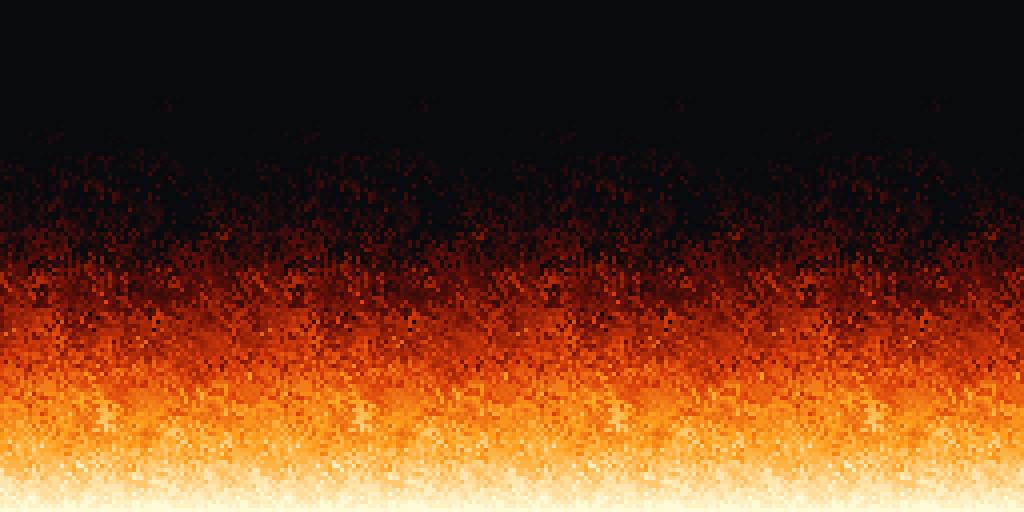
Static preview. Live controls become available when JavaScript and Canvas are supported.
Step advances the whole grid once. Reset restores the flame and all controls.
0: dark → 36: bright. These colors and random choices are our own. This version helps explain the effect; it does not reproduce every console pixel exactly.
Inside one pixel
Try one change at a time:
- Set cooling to 100%, then 25%, then 0%. Brightness survives more transfers as cooling drops. At zero, it stops fading through this mechanism. Compare that with the average loss we calculated.
- Disable sideways movement and set wind to zero. You get vertical columns. Cooling still varies, but nothing moves the values sideways.
- Pause and switch to Grayscale. Same numbers, same shapes. Quite a different impression. That is how much the palette contributes.
- Turn off the heat source. With normal cooling, the remaining intensity eventually disappears. Nothing is replenishing it.
- Inspect a pixel, then Step. The predicted write and the destination's final value can differ because another source writes there later. That is update order becoming visible.
That is what makes this old code interesting to me. You can change one small decision and immediately see what it was doing for the picture. More than thirty years later, there is still something to learn from it.
Sources, versions and artwork
- Sanglard’s 2018 explanation documents his reconstruction and credits Samuel Villarreal. His JavaScript source uses a larger field and shares one random choice between drift and cooling; rounding also weights its middle choices more heavily. Do not treat it as identical to the PlayStation routine.
- PSXDOOM-RE is the community reconstruction used for the console details above. Links pin the inspected revision; the 1995 date describes the shipped game, not the age of this Git repository.
- The polygons of DOOM: PSX provides the hardware and emulator investigation. The source's word/texel distinction is used for dimensions here.
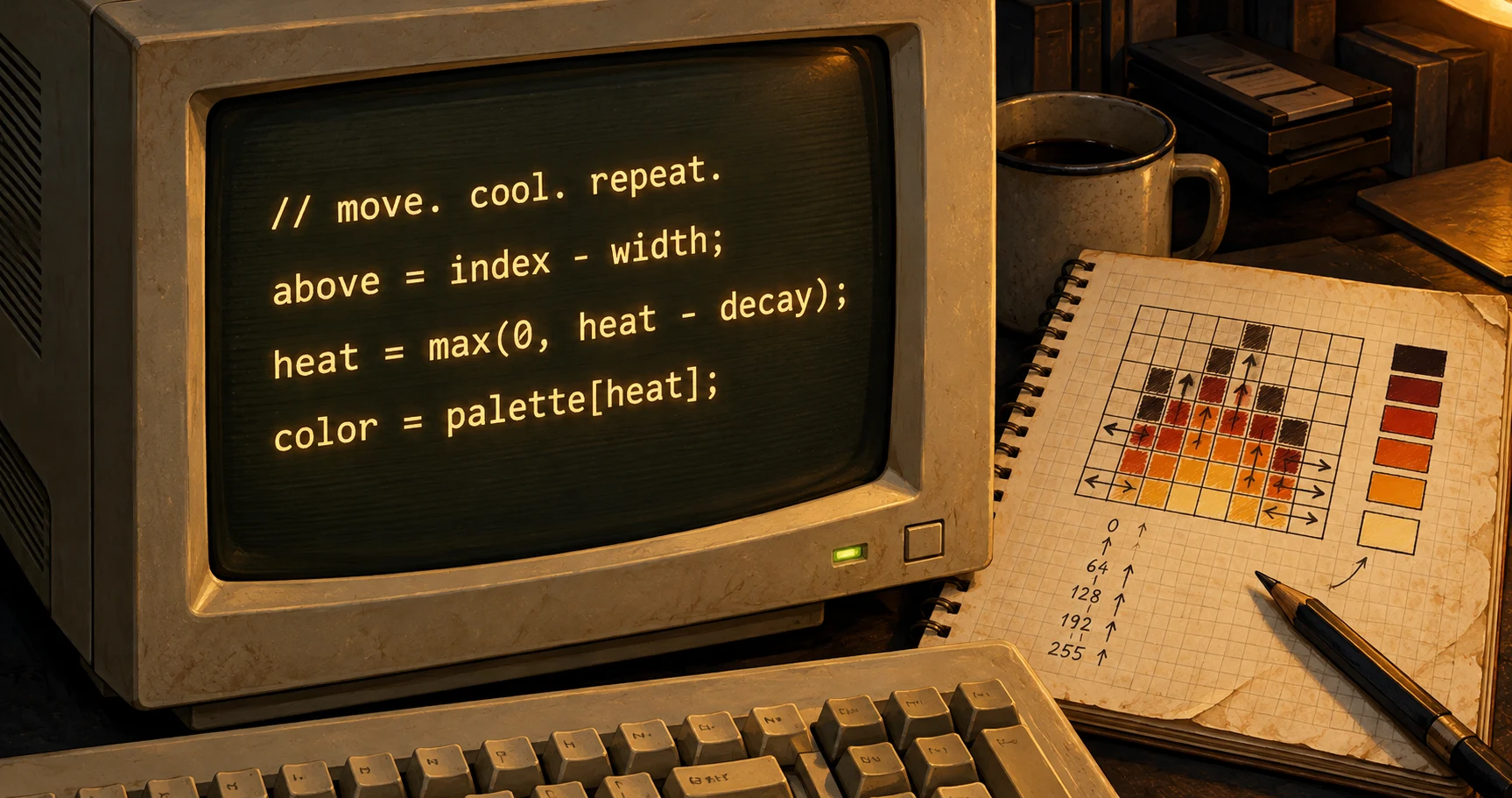
The banner was generated with AI and imagines a coding desk in the 1990s. The code on its screen is illustrative pseudocode, not a screenshot from the original development. The interactive fire and its still image come from this article's simulation. No game textures, logo, random table or historical source files are bundled.